
Daily use
Chatting with Dr. Jared
Chat is where every plan starts — and it’s also where you go to ask follow-up questions, get pain explained, or request a modification.
Opening a new chat
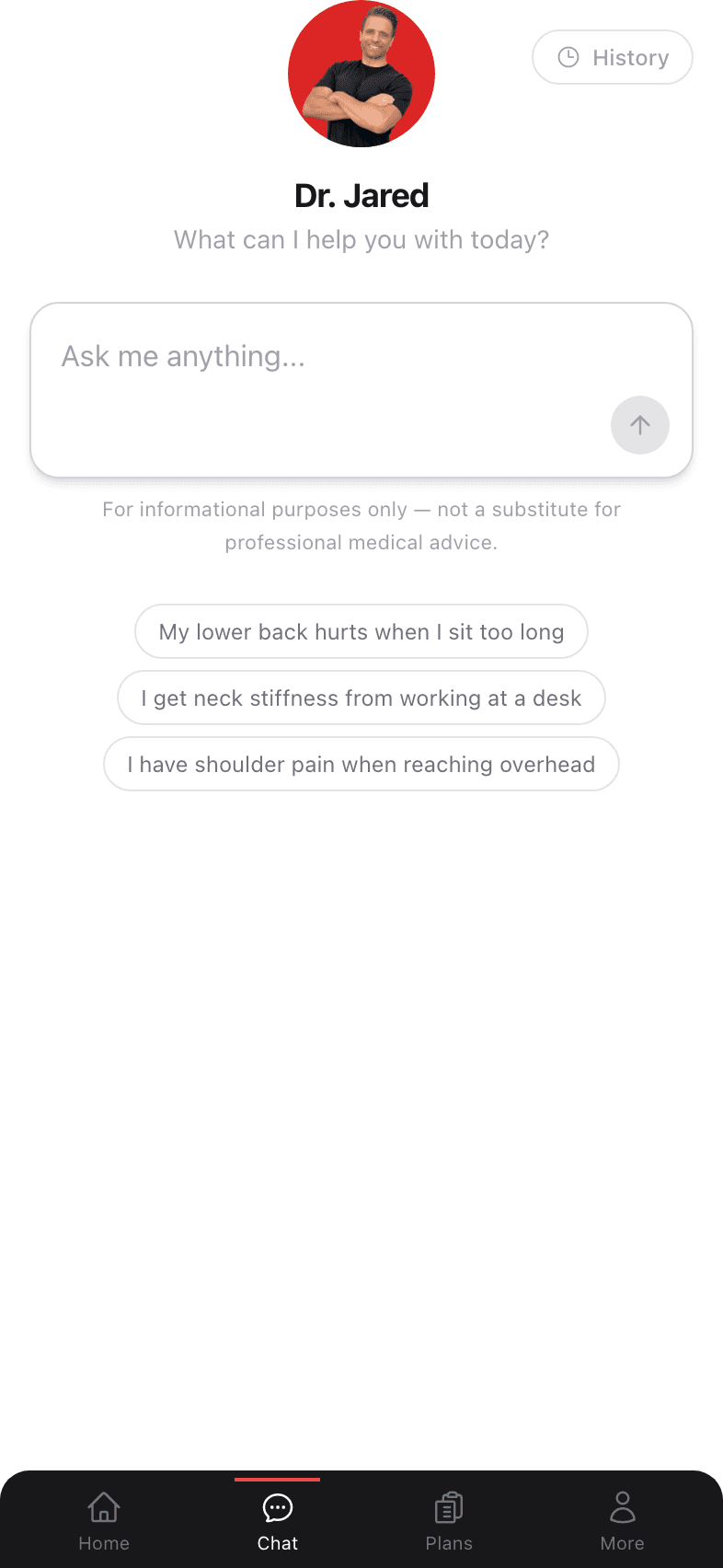
Tap the Chat icon in the bottom navigation, or the New Chat pill on your dashboard. You’ll see a Dr. Jared portrait, a greeting, an input box, and a few suggested prompts you can tap if you’re not sure where to start.
Two ways to begin
Type freely. Describe what hurts the way you’d describe it to a friend. There’s no medical jargon required. The more specific, the better the plan.
Tap a suggested prompt. If you’re not sure how to phrase it, the three suggestions below the input box (e.g. “My lower back hurts when I sit too long”) are great starting points.
What makes a good first message
Dr. Jared’s response quality scales with the detail you give him up front. A great first message answers three things:
- 1
Where it hurts
“Lower right side of my back,” or “front of my knee just under the kneecap.” Specific beats vague. - 2
When it started or what triggered it
“Started last week after a long drive,” or “been on and off for years from a desk job.” - 3
What makes it better or worse
“Worse when sitting; better when I walk,” or “hurts most going downstairs.”
Going through a conversation
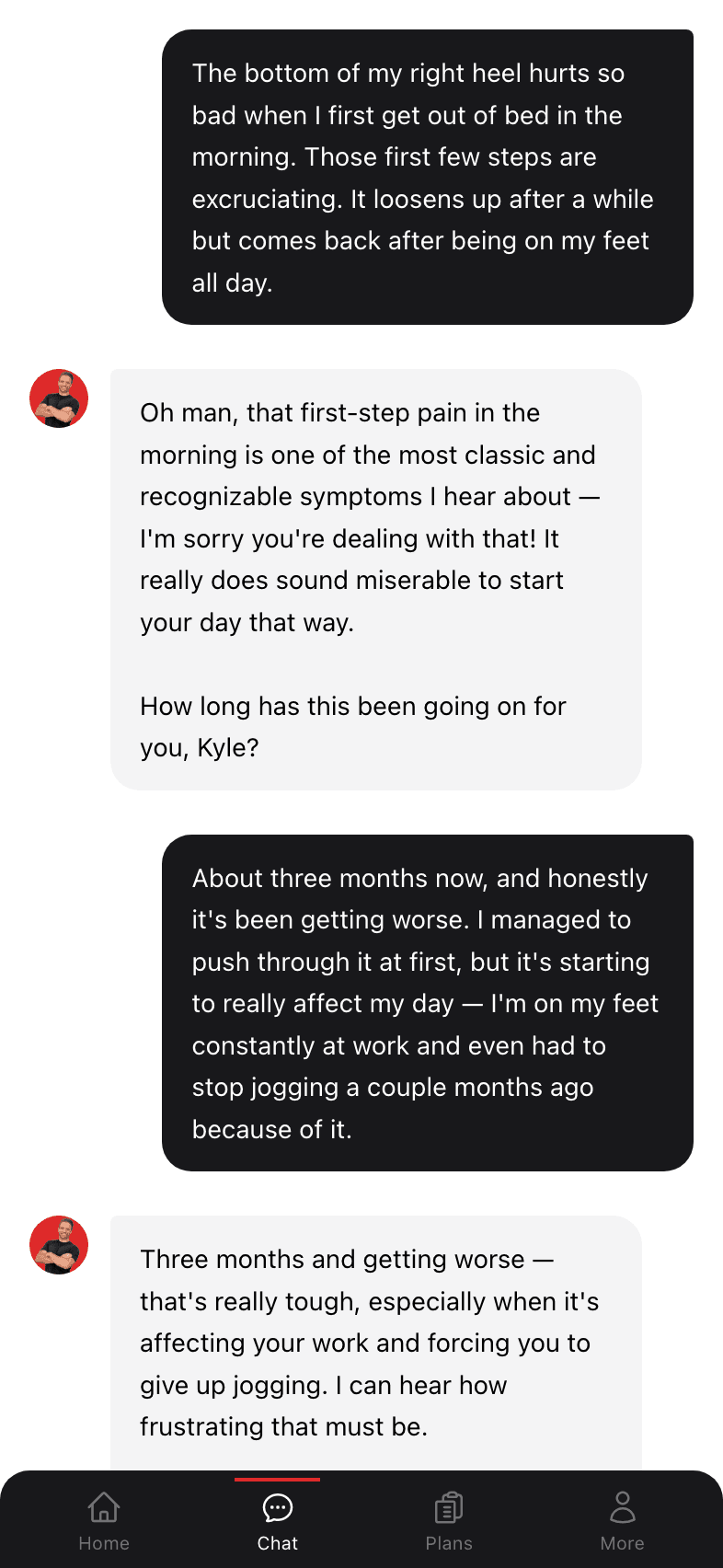
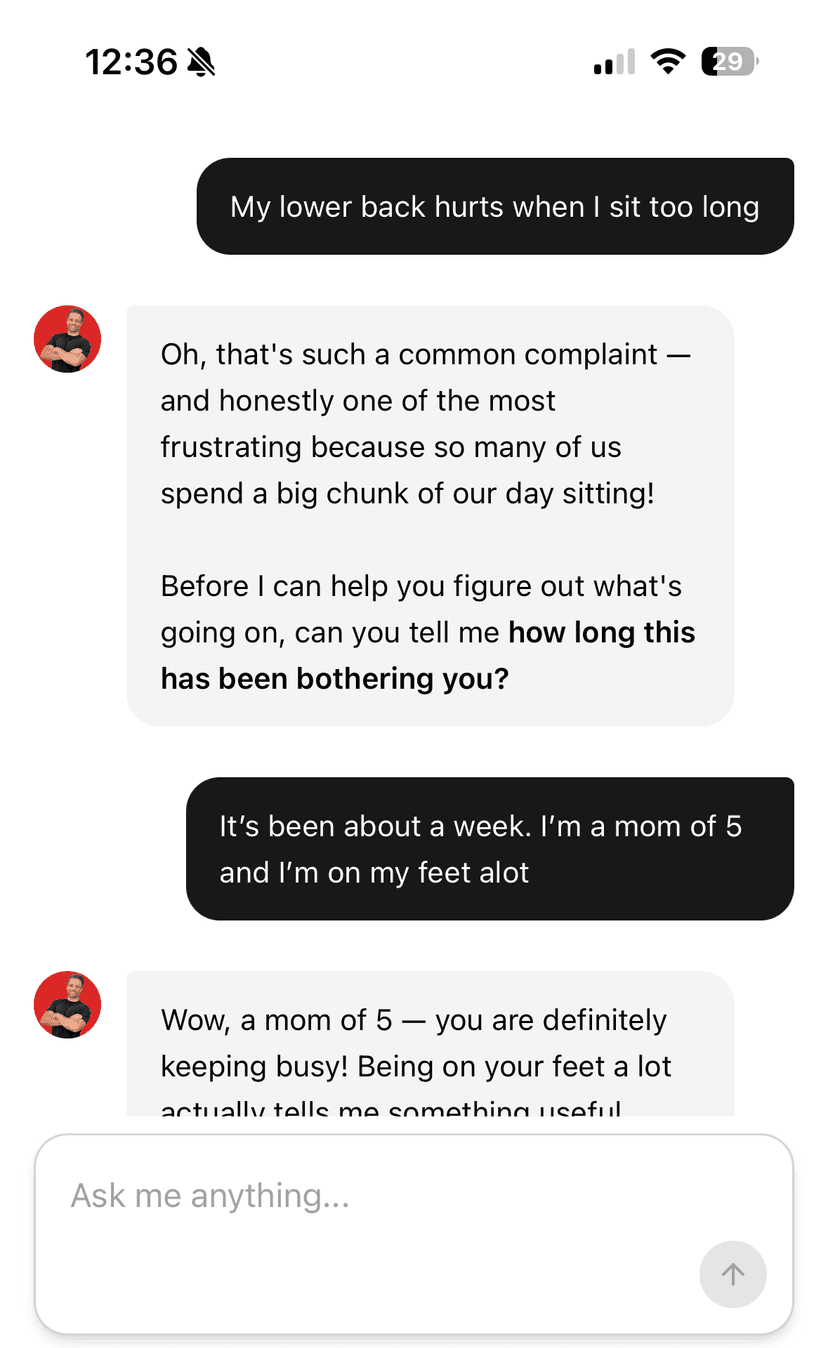
Conversations look and feel like text messages. Your messages appear on the right in black; Dr. Jared’s on the left with his portrait. When he has enough context, he’ll send a plan card directly inside the chat.
The treatment plan card
When Dr. Jared builds you a plan, it shows up as a card right in the conversation — title, timeline, a preview of the exercises, and a View Plan Details button. Tap that button to open the full plan page.
Following up later
Every conversation is saved. To return to one:
- From the dashboard, tap any chat in the Recent Chats list.
- From the chat tab, tap History in the top-right to see every prior conversation. Full details on Chat history.
Inside an old chat, just keep typing — context is preserved. You can say things like “update the plan now that my back is feeling better” and Dr. Jared will pick up where you left off.
What you can ask
Some examples of useful prompts beyond your initial plan:
- “Explain why this exercise helps my back pain.”
- “The bird dog hurts my wrist — can you swap it out?”
- “I’m two weeks in and feeling much better. What’s next?”
- “What stretches should I do at my desk between workouts?”
- “My pain moved from my lower back to my hip — should I be worried?”