
Getting started
Signing up & signing in
Create your Dr. Jared account in under a minute. No credit card, no waiting list.
Creating an account
From the home page, tap Get Started in the top-right. You’ll land on the signup screen with four fields and a gender selector.
- 1
Full name
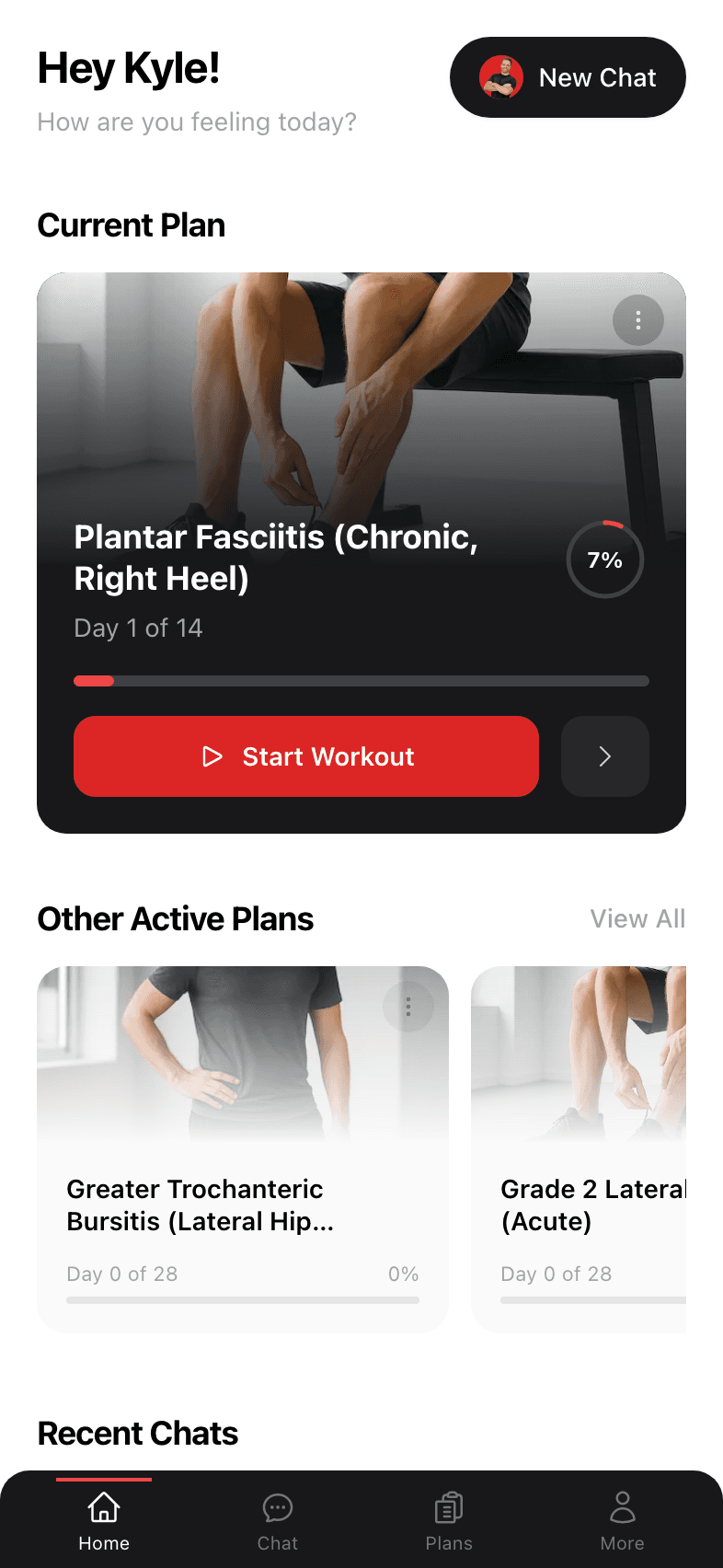
Used to personalize greetings ("Hey Kyle!") and to display next to your plans. You can change it later in Account settings. - 2
Email
We'll send account-related messages here. This is also what you'll sign in with. - 3
Password
At least 8 characters. Long is better than complex — a memorable phrase works great. - 4
Gender
Tap Male or Female. This helps Dr. Jared show body-appropriate exercise illustrations and tailor anatomical references. You can change it later in My Info. - 5
Date of birth
Dr. Jared is for adults: you must be 18 or older to create an account. Your age is filled in from it, so plans account for it from the start. - 6
Tap Create account
You’ll be signed in immediately and dropped into the app. No email verification needed.
Signing in
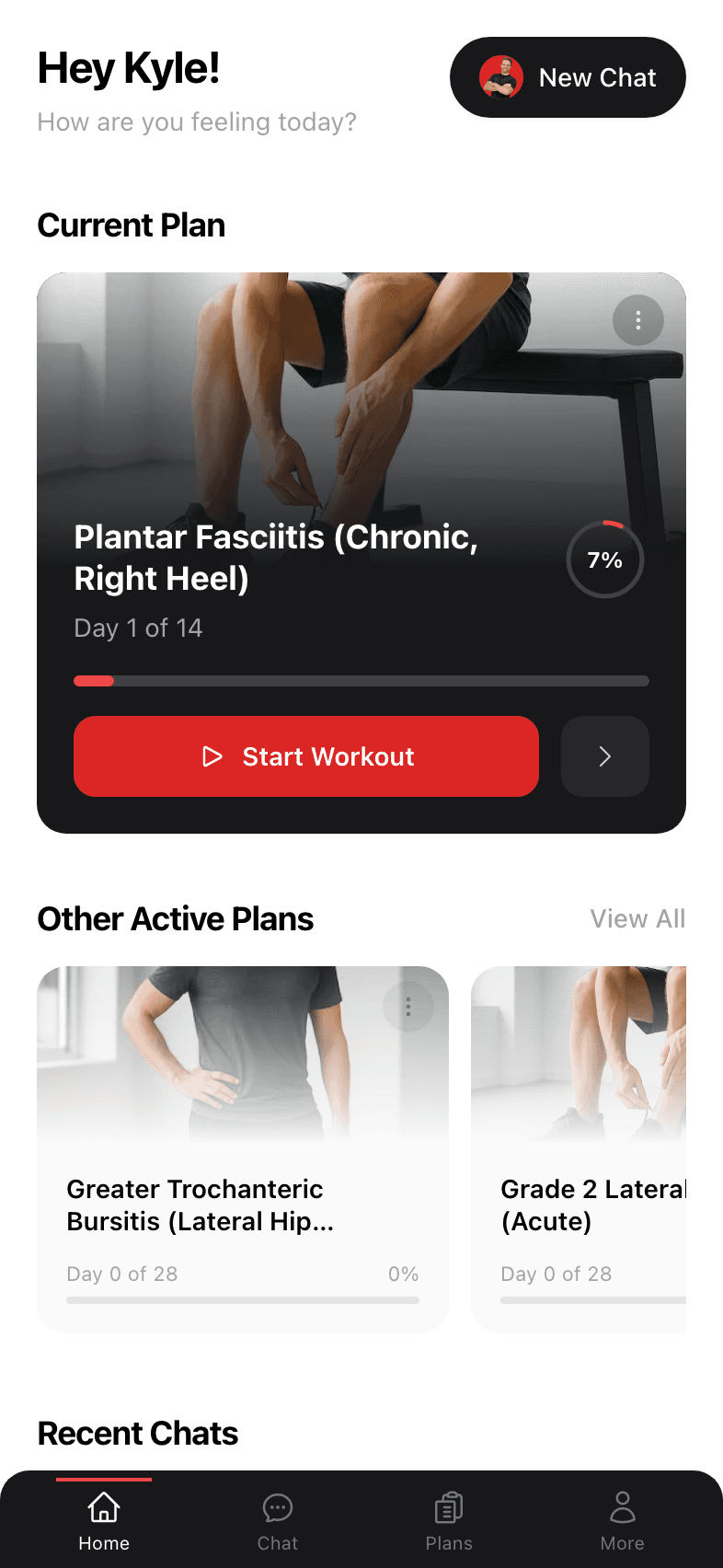
Returning visitors: tap Sign In from the marketing site, enter your email and password, and you’ll be taken straight to your dashboard. If you’re already signed in, the home page automatically redirects you to your dashboard.
Forgot your password?
On the sign-in screen, tap the Forgot password? link. Enter your email and you’ll get a one-time reset link. Open it, choose a new password, and you’re back in.
What happens right after signup
Fresh accounts land on a welcoming empty dashboard with a one-time disclaimer about the app’s scope (it’s educational, not a substitute for medical care). Tap I Understand to dismiss it and you’ll see a single big card inviting you to start your first chat with Dr. Jared.