
Your account
My Chart
Your health profile, distilled. Everything Dr. Jared remembers about you across chats, surfaced in one place.
What is the chart?
Think of My Chart as the “clinical notes” Dr. Jared keeps on you. As you have conversations and complete plans, key facts about you — your occupation, your lifestyle, your recovery goals — get distilled into short entries you can see, review, and edit.
Unlike My Info (which you fill in manually), the chart is built up automatically as Dr. Jared learns about you.
Where to find it
- 1
Tap the More tab
The silhouette icon on the far right of the bottom navigation. - 2
Tap My Chart
Second menu item, below My Info.
What the chart looks like
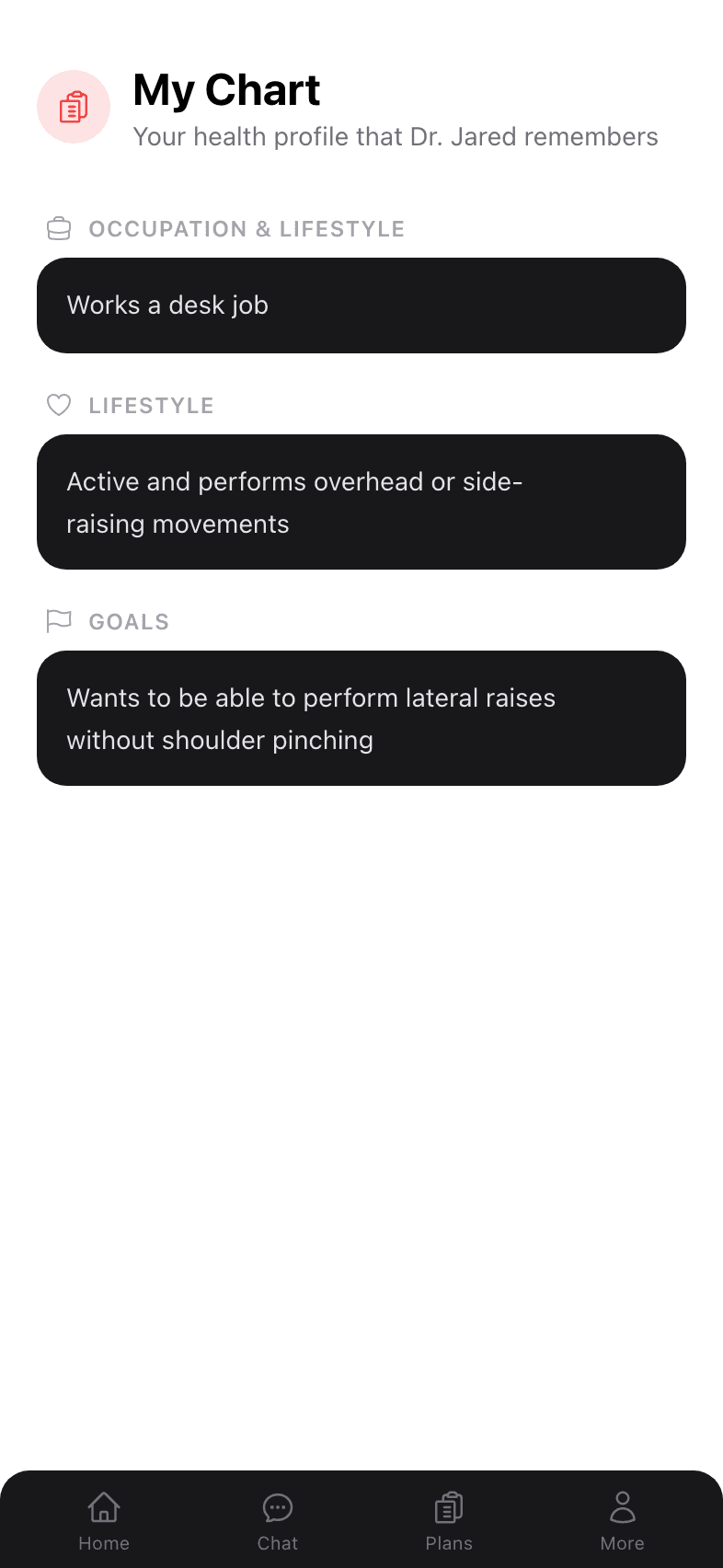
Entries are grouped by category:
- Occupation & Lifestyle
- Lifestyle (activity patterns and habits)
- Goals (what you’re working toward)
- Medical history
- Limitations & flags (things to avoid)
Each entry is a single, plain-English sentence — easy to read and easy to verify is accurate.
How entries get added
During a chat, when you mention something durable about yourself — “I work a desk job,” “I’m training for a half marathon,” “I had ACL surgery in 2019” — Dr. Jared writes it down. Trivial or one-off details aren’t saved.
Editing or removing entries
Long-press (or use the menu) on any entry to edit or remove it. Removing an entry tells Dr. Jared to stop using that fact going forward.
Why the chart matters
The chart is what gives Dr. Jared continuity across conversations. Without it, every new chat would start cold. With it, you can open a brand new chat about a new issue and Dr. Jared still knows you’re an active 35-year-old desk worker training for a 10K with a prior knee surgery — context that materially changes the plan he builds.
Empty chart? That’s OK.
A new account starts with an empty chart. As you have your first few conversations and fill out My Info, entries appear here. You don’t need to do anything special — just use the app.